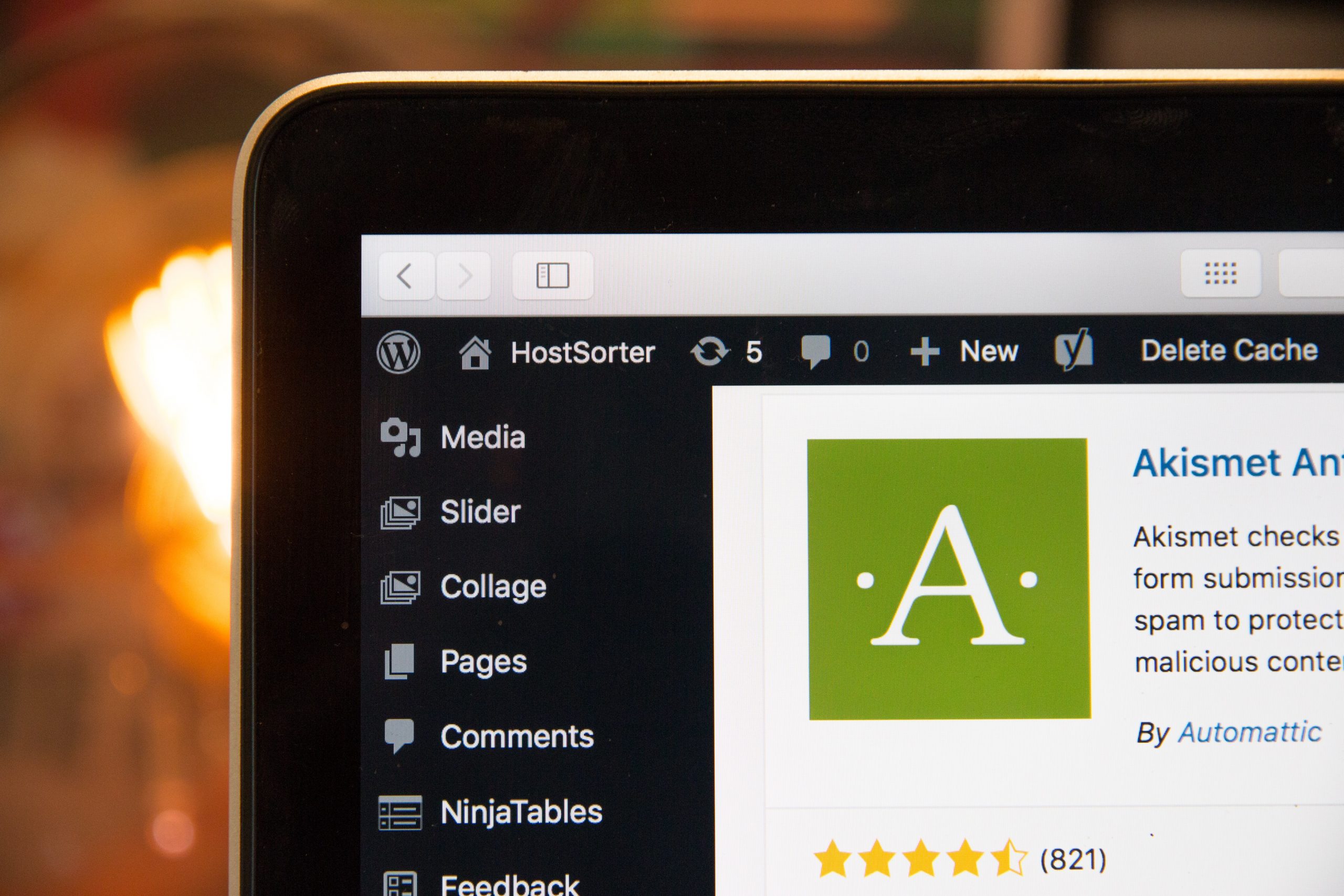
One of the most important factors in ensuring the success of a WordPress website is its performance and speed. A fast-loading website not only provides a better user experience, but it can also improve your search engine rankings and increase your conversion rate. Here are some tips on how to improve the performance and speed of your WordPress site:
- Use a caching plugin: Caching plugins store a copy of your website’s pages and posts as static files, which allows them to be served to visitors more quickly. Some popular caching plugins include W3 Total Cache and WP Super Cache.
- Optimize your images: Large image files can significantly slow down your website’s loading time. To optimize your images, you can use a tool like Adobe Photoshop to save them in a web-friendly format, such as JPEG or PNG, and resize them to an appropriate size. You can also use a plugin like WP Smush to automatically optimize your images as you upload them to your website.
- Minimize the use of plugins: While plugins can be useful for adding functionality to your website, they can also slow it down if you have too many of them installed. Consider deactivating or deleting any plugins that you are not using, and keep only the ones that are necessary for your website’s core functionality.
- Use a content delivery network (CDN): A CDN is a network of servers that are distributed across different locations around the world. When a user visits your website, the CDN will serve the static files (such as images, CSS, and JavaScript) from the server that is closest to the user’s location, which can help to reduce the loading time of your website.
- Enable Gzip compression: Gzip is a type of compression that reduces the size of your website’s files, which can help to speed up the loading time. You can enable Gzip compression by adding a line of code to your .htaccess file or by using a plugin like Autoptimize.
- Optimize your database: As you add content to your website, your database can become cluttered with unnecessary data, which can slow down your website’s performance. You can use a plugin like WP-Optimize to clean up your database and improve its performance.
- other media until they are needed. This can help to reduce the initial loading time of your website and improve the overall performance. You can use a plugin like Lazy Load or a lazy loading script to enable this feature on your website.
- Minify your CSS and JavaScript files: Minification refers to the process of removing unnecessary characters (such as whitespace and comments) from your CSS and JavaScript files. This can help to reduce the size of these files and improve the loading time of your website. You can use a plugin like Autoptimize to minify your CSS and JavaScript files automatically.
- Use a lightweight theme: The theme you use on your website can have a significant impact on its performance and speed. Choose a lightweight theme that is optimized for performance and does not include unnecessary features or bloat.
- Optimize your website for mobile devices: More and more people are accessing the internet on their mobile devices, so it’s important to optimize your website for mobile users. Use a responsive design and optimize your images and other media for smaller screens to improve the loading time of your website on mobile devices.
By following these tips or partnering with All WP Care, you can improve the performance and speed of your WordPress website and provide a better user experience for your visitors. Remember to regularly test the performance of your website and make adjustments as needed to ensure that it is running at its best.